

LifeOS Skill: AI Can Manage My Notes
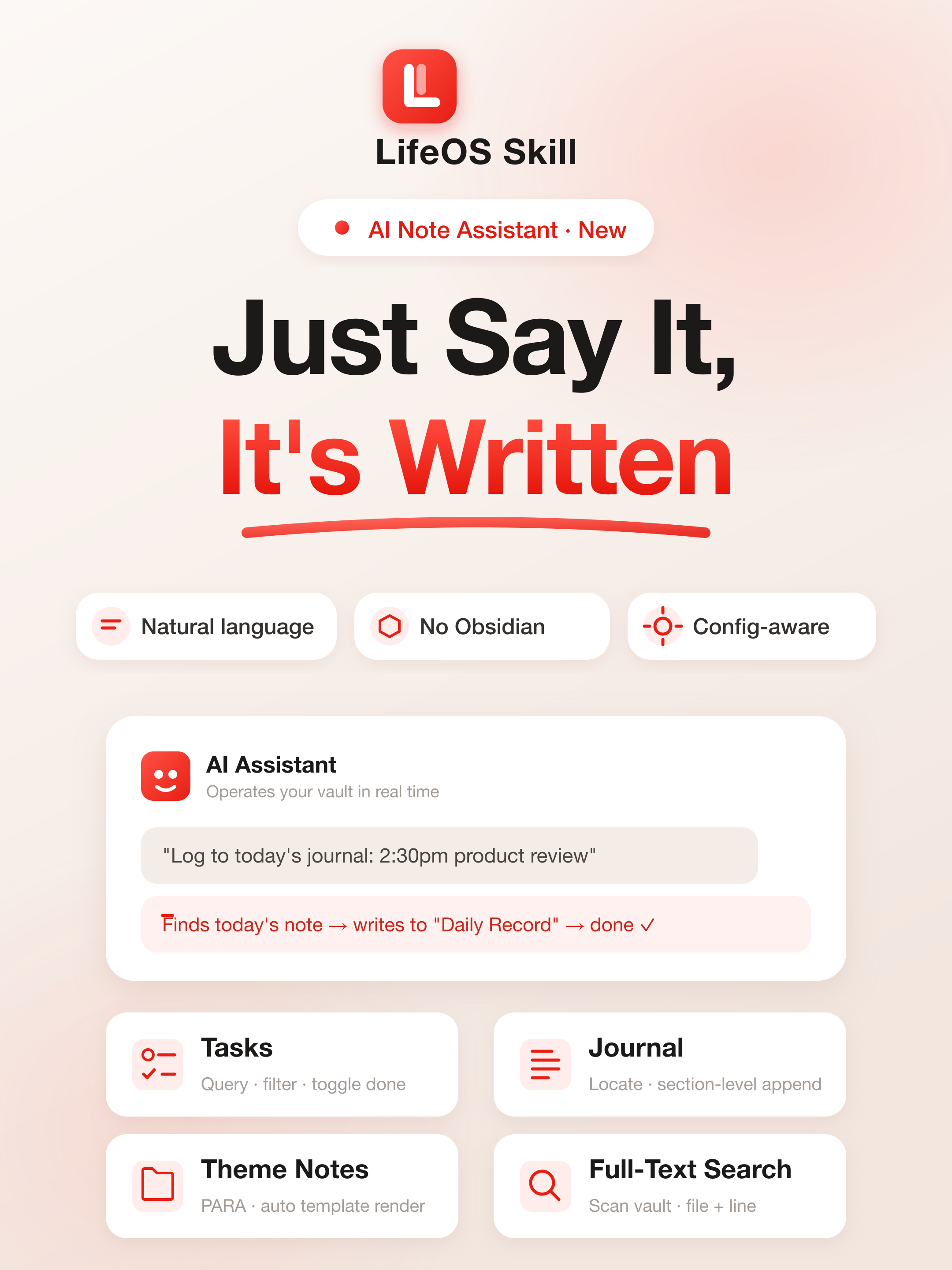
I wrote a skill for LifeOS, and now AI can help manage my notes.
I have used LifeOS for more than a year, and I still love the PARA + periodic notes system.
But one problem kept getting in the way: the friction of recording was too high.
An idea appears → open Obsidian → go to today's daily note → scroll to "Daily Record" → type → close it. Those few steps are enough for countless ideas to disappear into "I'll skip it this time."
So last month I built an AI skill for LifeOS.
What is it?
In one sentence: after installing it, Claude Code learns how to operate your LifeOS vault.
It knows what your PARA folders are called, how your daily-note paths are formatted, where your templates live, and what section headings you use. It reads all of that from your real LifeOS plugin configuration automatically, so you do not have to explain it manually.
You describe what you want in natural language, and the AI executes it.
What can it do?
Quick capture in one sentence
"Log to today's journal: 2:30pm product requirements review."
The AI locates today's note, finds the "Daily Record" section, inserts the line, and finishes. You do not even need to open Obsidian.
Query and complete tasks
"What are my tasks today?"
"Mark the quarterly report task as done."
The AI can return the task list or directly change - [ ] to - [x].
Create project notes with templates
"Create a project called Q3 Product Redesign."
The AI finds your project template, renders {{snapshot:Project}}, injects the theme tag, and creates the index file. The result matches what you would create manually.
Full-text search
"Where did I write about superlinear returns?"
The AI scans the vault and returns the file and line number.
Weekly and monthly reviews
"Add a review paragraph to this week's weekly note."
The AI locates the correct file and writes the content in the right place.
Why is it useful?
Because it does not think for you. It executes for you.
Tone, tag choice, and whether something is worth recording are still your decisions. The skill removes the operational friction: opening Obsidian, finding the folder, finding the right section, and writing the content.
Recording changes from an interruption into a side path: keep doing your work, say one sentence, and let AI write it down.
How to start
Install LifeOS Skill:
Then tell your agent:
It will understand the shape of your note system, and you can manage your notes conversationally from there.
Links
#RedSkill #LifeOS #Obsidian #PARA #ClaudeCode #AINotes #AgentSkill #KnowledgeManagement #Productivity